Everything you need to build
better slides, faster
Explore the tools that automate repetitive work, keep every slide on-brand, and help you build better presentations in less time.


Trusted by leading companies worldwide


From agendas and building blocks to formatting and maps — each wizard handles one task, so your slides are consistent and professional in minutes.
Plan structured meetings faster. Define agenda points, responsibilities, and timing in one place.
Agenda WizardBuild slides with ready-made, reusable building blocks that keep branding, formatting, and proportions consistent.
Element WizardPlace titles, labels, and visual markers with one predefined rule set, ensuring uniform positioning on every slide.
Format WizardShow or hide corporate elements like confidentiality notes, logos, or status markers on all slides in one click.
Master WizardInsert approved text snippets, legal symbols, and recurring wording directly from a shared or personal library.
Text WizardTurn your Excel data into colored or labeled world or country maps in seconds.
Map WizardSmart, interactive objects and project views that turn complex content into clear visuals — directly in PowerPoint.
Precision controls for alignment, size, colors, text, and navigation — to keep every slide consistent in less time.
Align, distribute, and position objects precisely so every slide meets the highest standards
PositionResize and lay out objects to exact proportions, keeping formatting uniform across the whole deck.
SizeCreate and edit consistent shapes with predefined rules for uniform positioning and style.
ShapesApply your corporate colors instantly and keep colors on-brand across every object and slide.
ColorsFormat text, bullets, and indentation to a single standard so everything stays consistent.
Text & BulletsJump to any slide, object, or element instantly — navigate large decks in a fraction of the time.
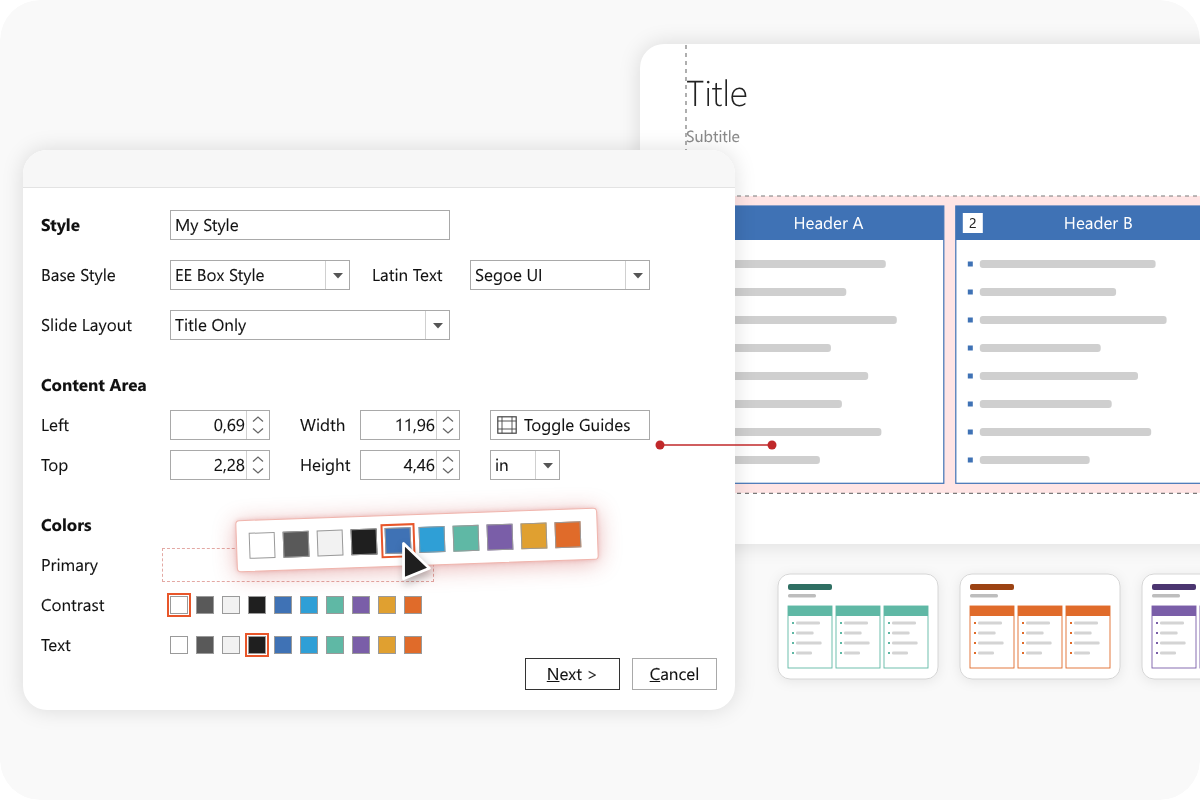
Navigation & ViewCustomize style, drawing area, colors, fonts and bullets to match your own or your client's PowerPoint template with just a few clicks.
Explore Quick Customization Wizard
Start a free trial or book a demo — and discover
how much time your teams get back.