THE WIZARDS
Map Wizard
Insert and edit maps of all countries in the world
— driven by your own data in Microsoft Excel.
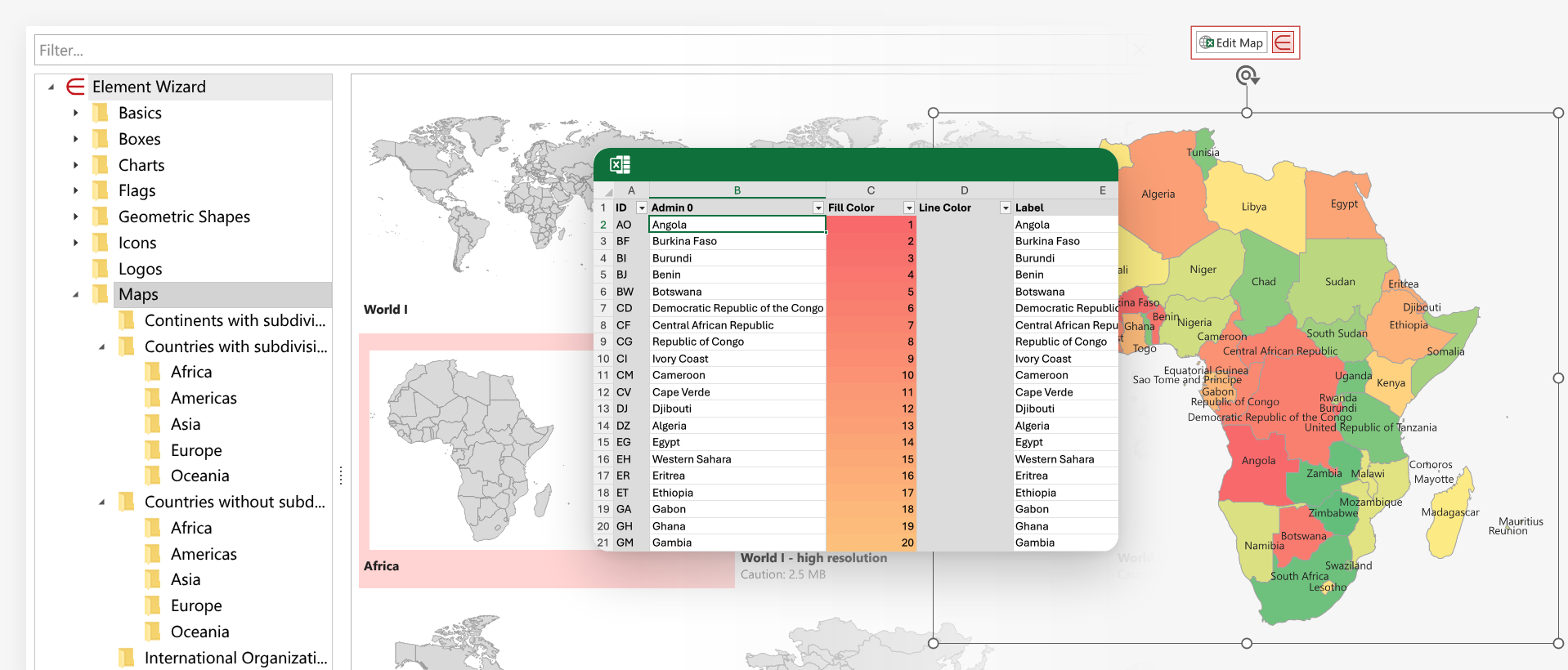

Insert and edit maps of all countries in the world
— driven by your own data in Microsoft Excel.
Insert high quality maps of the world, UN regions, countries, and geographic subdivisions.
Use Microsoft Excel to color or label countries and regions — including conditional formatting.
Embed or link your Excel data source so your maps stay connected to the numbers behind them.
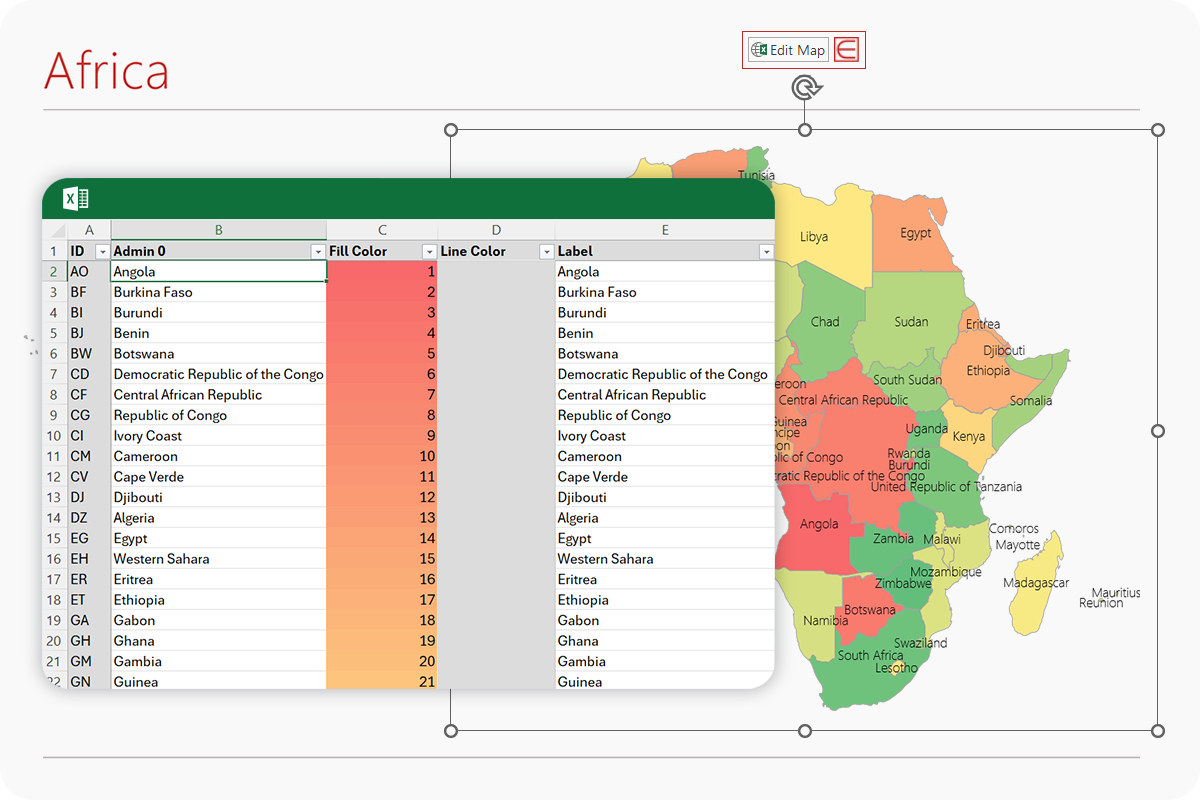
Transform data from Microsoft Excel into presentation-ready maps that make regional differences easy to understand — without manually rebuilding or formatting every element.
Turn geographic data into maps that make patterns, differences, and regional insights easy to recognize.
Highlight the areas that matter and adapt the visual presentation to fit the message of your slide.
Link the map to its Excel source so changes can be reflected without rebuilding the visualization from scratch.
Combine the Map Wizard with other Efficient Elements tools to streamline workflows, save time, and keep your team on track. Explore more features and discover how they work together across your presentations.
Explore FeaturesNo. Updating values in a linked Excel sheet is enough. The Map Wizard applies the correct colors, labels, and formatting automatically — users don’t need advanced spreadsheet skills.
Absolutely. Once you set colors, labels, or data brackets, you can reuse them as a template. This ensures consistent visuals across different presentations, teams, and reporting cycles.
The link uses standard Microsoft Office integration. Data stays within your organization’s regular file system or SharePoint/OneDrive environment — IT does not need additional infrastructure.
