Find images
without leaving
PowerPoint
Access image libraries directly inside Efficient Elements and place visuals into slides in seconds.
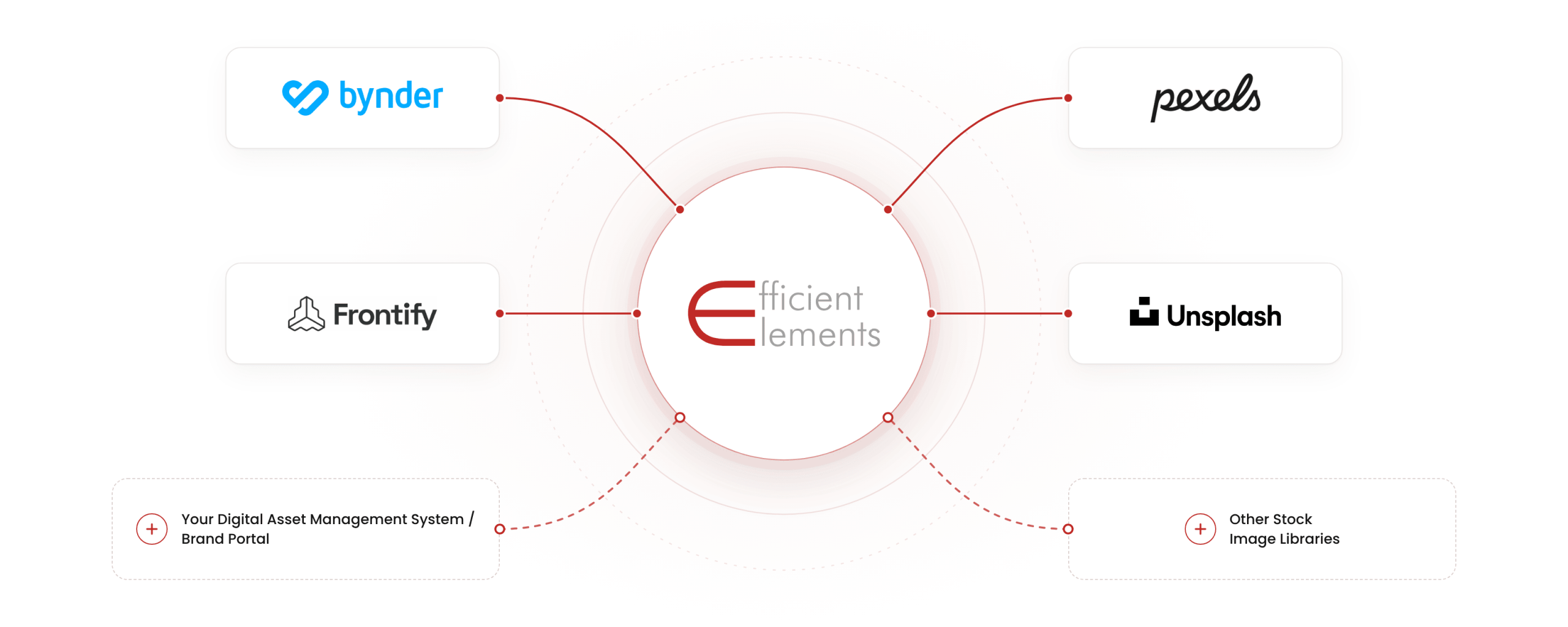

The Image Wizard lets you browse supported image libraries inside Efficient Elements and place images directly into your presentation — no switching between browser, downloads, and PowerPoint.
Trusted by leading companies worldwide


A lightweight way to find and insert images while building slides —
focused on speed, clarity, and everyday presentation work.
The Image Wizard gives you fast access to images exactly when you need them — while keeping asset management simple and out of your way.
The Image Wizard connects to selected image libraries that are directly available inside Efficient Elements. Available sources depend on your configuration and edition.
No. Images are searched and inserted directly from within Efficient Elements — without switching tools or saving files locally.
Yes. Selected images are placed directly into your presentation, ready to use and fully editable like any other slide content.