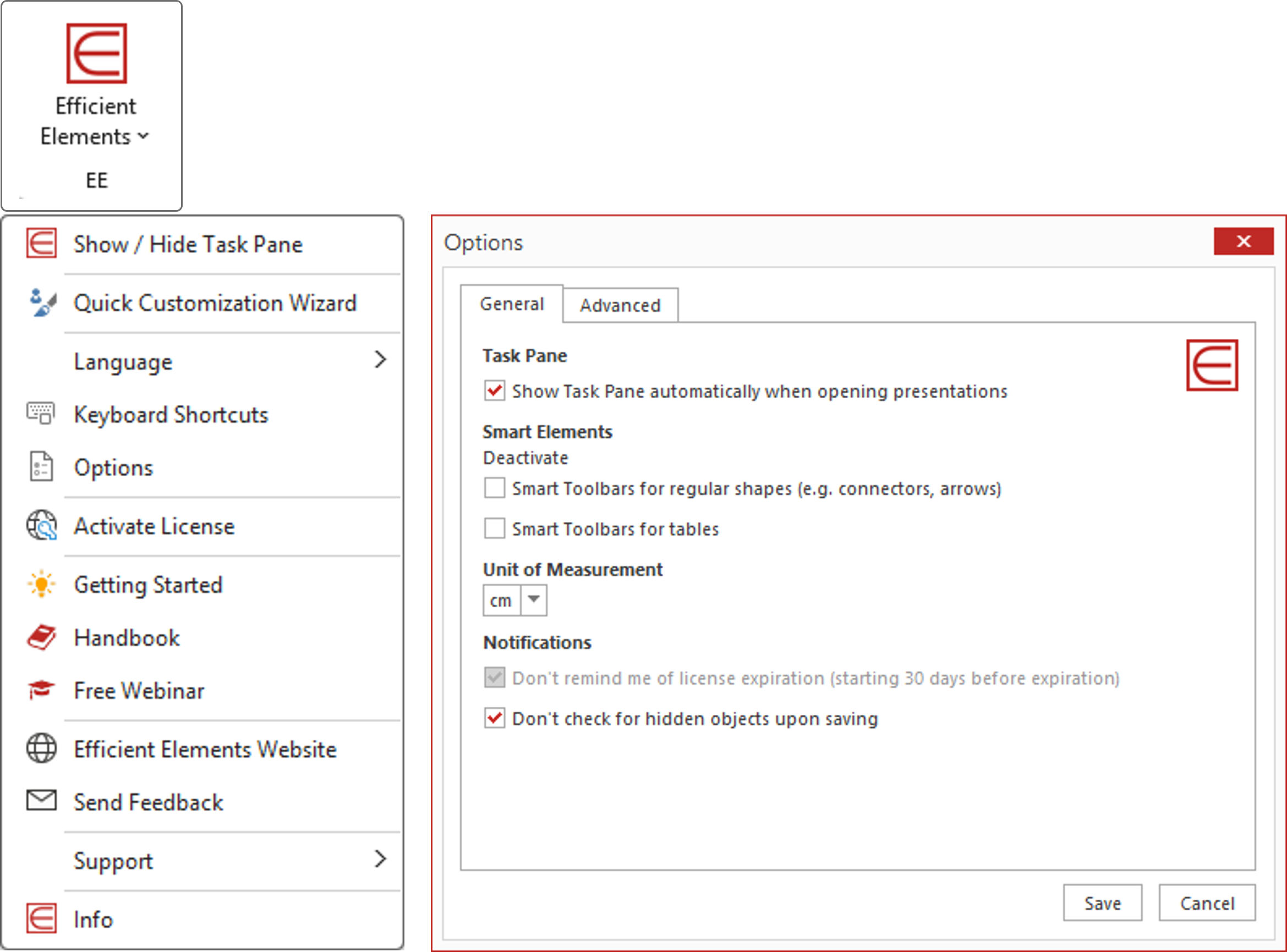
- Open the EE menu
- Click on Options
- Deactivate or activate the Smart Elements

1
2
3
1
Open the EE menu
2
Click on Options
3
Check if you want to deactivate the Smart Toolbars for regular shapes (e.g. connectors, arrows) and/or Smart Toolbars for tables.
Save your settings.
