
Depending on your version of Efficient Elements, it may be possible to choose from different user interface modes. If available, you will find the user interface mode setting in the ‘Efficient Elements’ menu located on the left side of the PowerPoint ‘Home’ tab.
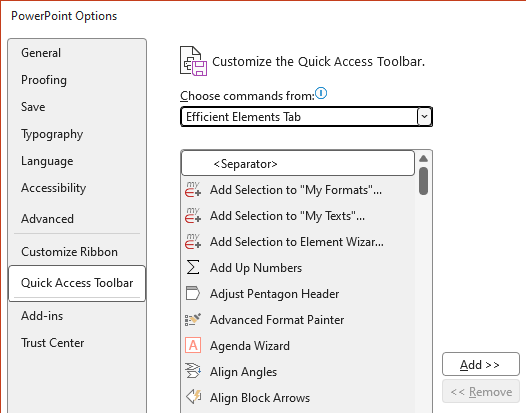
You can also add all EE features to the ‘Quick Access Toolbar’ in PowerPoint by choosing commands from ‘Efficient Elements Tab’:
Please note that it is not foreseen to modify the ribbon or the Efficient Elements taskpane on a user level.
If you would like to make further adjustments to the user interface, we can offer you a customized edition of Efficient Elements.
