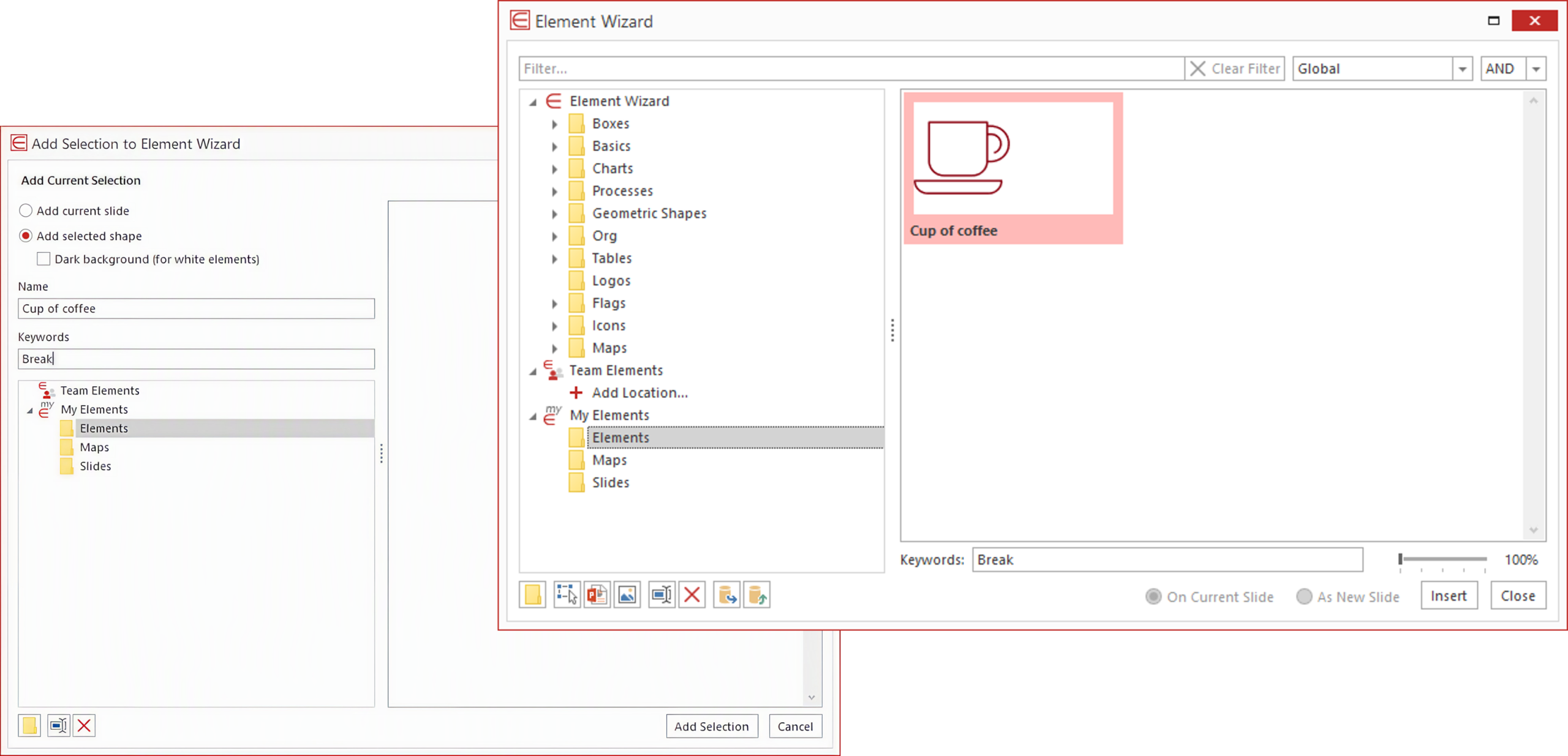
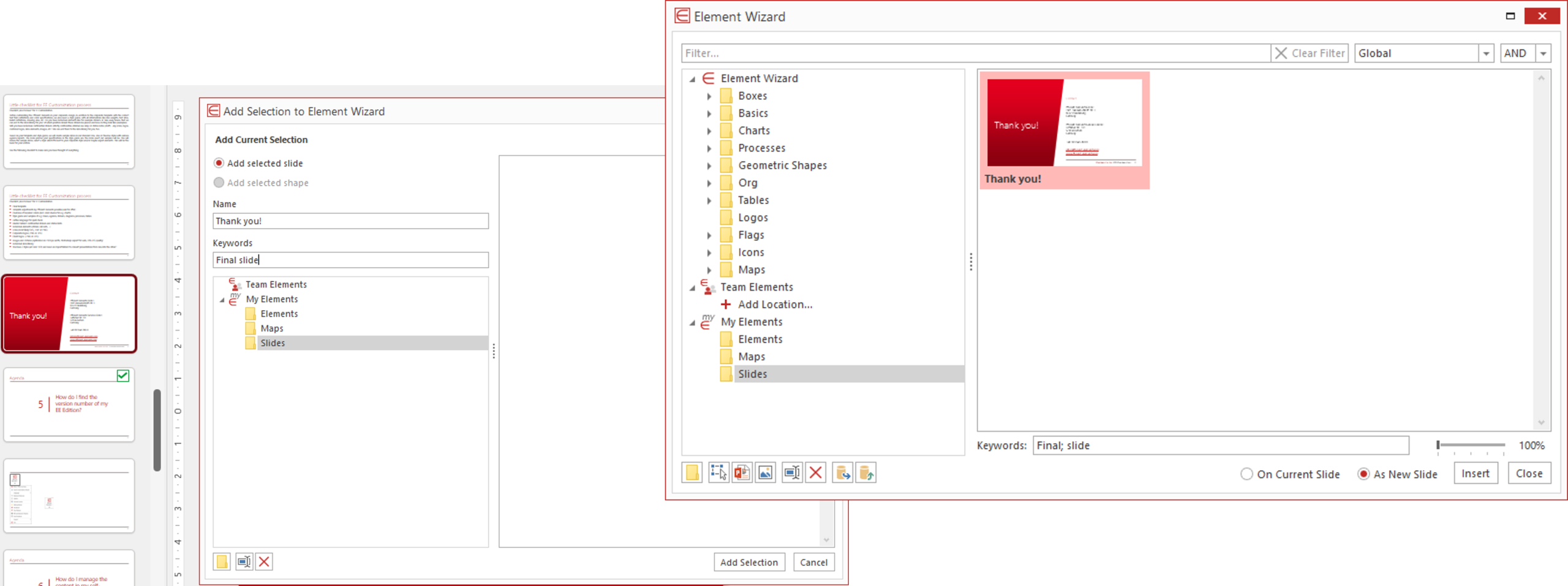
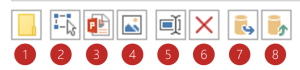
With My Elements, you can save your favorite slides, elements, images, icons, and entire presentations locally within a folder structure you create. You can label, rename, and tag content with keywords, as well as delete it or move it to other folders. You can save content so that it is inserted onto a single slide – as individual elements – or as an entire slide. My Elements can be exported in its entirety or as individual folders to a ZIP file and then imported onto another computer.
You can find My Elements in the Element Wizard.